
Become a Professional AI Automation Specialist
AI Automation is one of the fastest-growing digital skills for businesses, creators, teams, and organizations that want to save time, reduce repetitive work, improve productivity, and deliver faster services. This course is designed to teach learners how to use artificial intelligence tools, automation platforms, prompts, workflows, forms, spreadsheets, chatbots, email systems, and integrations to automate everyday business and office tasks.
At Nepthink Solutions, learners are trained through practical projects that show how AI can support content creation, customer support, reporting, lead collection, task management, document generation, social media workflow, business communication, and data handling. The course also focuses on responsible AI usage, privacy awareness, workflow testing, and building useful automations that solve real problems. By the end of the training, learners will be able to design AI-powered workflows, connect digital tools, create simple automation systems, and build portfolio-ready projects for freelancing, business support, startups, and workplace productivity.
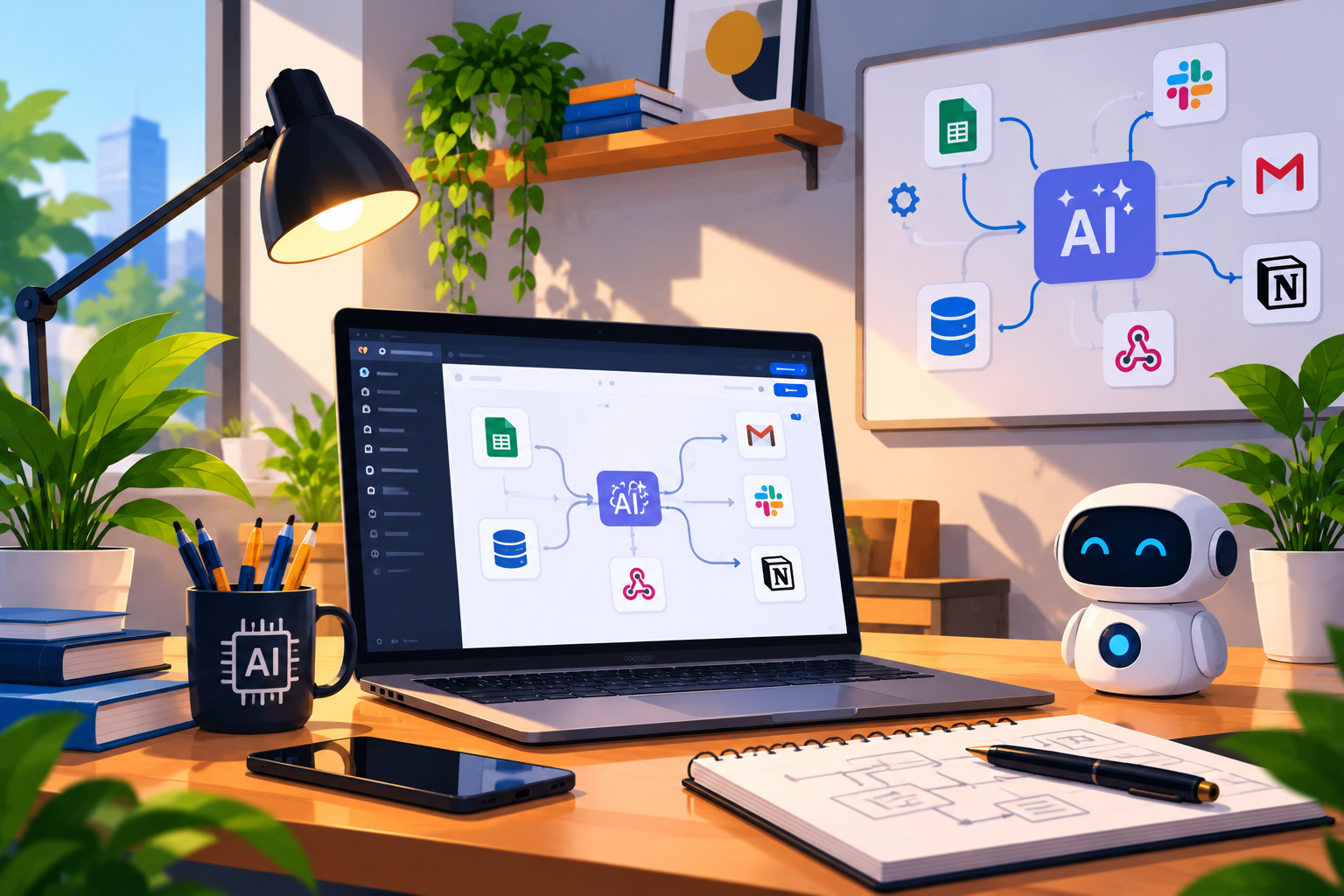
AI Tools + Workflows + Automation
Build smart systems that automate tasks, connect tools, and improve business productivity.
3 Months
Practical AI classes, automation tasks, workflow projects, tool setup, and mentorship.
₦150,000
Includes practical sessions, project guidance, learning support, and certificate.
AI Automation Training at Nepthink
This course is for learners who want to use AI tools and automation platforms to simplify work, improve productivity, support businesses, and build smart digital workflows.
AI Beginners
Perfect for learners who want to understand AI tools and use them practically for work and business tasks.
Business Owners
Useful for entrepreneurs who want to automate customer follow-up, reporting, lead collection, and daily operations.
Content Creators
Great for creators who want to use AI for content planning, captions, ideas, scripts, scheduling, and workflow speed.
Office Workers
For workers who want to automate repetitive documents, email drafts, reports, reminders, forms, and data tasks.
Students & Graduates
Suitable for learners who want modern AI productivity skills for internships, jobs, freelancing, and projects.
Freelance Seekers
For learners who want to offer AI automation services to brands, small businesses, teams, and online clients.
What You Can Become After This Training
AI automation skills can support opportunities in business automation, productivity consulting, AI workflow design, chatbot setup, no-code automation, content operations, and digital business support.
AI Automation Course Modules
The course is arranged in practical modules covering AI tools, prompt engineering, workflow automation, forms, spreadsheets, chatbots, email automation, social media workflows, APIs, testing, and final portfolio projects.
Module 01 Introduction to AI Automation
This module introduces learners to AI automation and how it helps individuals and businesses work faster.
- Meaning of AI automation
- AI tools vs automation tools
- How AI improves productivity
- Examples of business tasks that can be automated
- Understanding workflows and triggers
- Career opportunities in AI automation
Module 02 AI Tools and Use Cases
Learners will explore different AI tools and understand where they can be applied.
- AI writing and research tools
- AI image and design tools
- AI meeting and productivity tools
- AI tools for customer support
- AI tools for reporting and summaries
- Choosing the right tool for a task
Module 03 Prompt Engineering for Productivity
This module teaches learners how to communicate clearly with AI tools to get useful results.
- What prompt engineering means
- Writing clear instructions for AI
- Using context, tone, format, and examples
- Creating prompts for business tasks
- Prompt templates for repeatable work
- Checking and improving AI outputs
Module 04 Workflow Automation Fundamentals
Learners will understand the structure of automated workflows and how tools work together.
- Triggers, actions, and conditions
- Manual vs automated workflows
- Simple workflow planning
- Connecting one tool to another
- Mapping business processes
- Building a basic automation workflow
Module 05 No-Code and Low-Code Automation Tools
This module introduces learners to automation platforms that allow workflows to be built without complex coding.
- Meaning of no-code and low-code tools
- Common automation platforms
- Creating simple automations
- Connecting apps and services
- Using templates and workflow builders
- Understanding limits and best practices
Module 06 Forms, Sheets and Data Collection Automation
Learners will automate how information is collected, stored, and organized.
- Creating forms for data collection
- Connecting forms to spreadsheets
- Organizing leads and responses
- Auto-notifications after form submission
- Basic data cleaning workflow
- Creating simple business records automation
Module 07 Email and Document Automation
This module helps learners automate common communication and document tasks.
- Email draft automation
- Auto-replies and notification workflows
- Generating documents from templates
- Automating reports and summaries
- Sending updates to teams or customers
- Maintaining professional communication standards
Module 08 Chatbot and Customer Support Automation
Learners will understand how chatbots can support customer service and basic business communication.
- What chatbots are used for
- Planning chatbot conversations
- Frequently asked questions automation
- Lead collection through chat
- Escalating complex issues to humans
- Testing chatbot flow and responses
Module 09 Social Media and Content Workflow Automation
This module teaches learners how AI and automation can support content planning and publishing workflows responsibly.
- AI content idea generation
- Caption and post planning workflows
- Content calendar automation
- Repurposing content for different platforms
- Scheduling and reminder workflows
- Responsible content review before publishing
Module 10 API and Integration Basics
Learners will understand basic integration concepts that help digital tools communicate with each other.
- What APIs are
- Requests and responses explained simply
- Webhooks and automation triggers
- Connecting tools with integration platforms
- Understanding data passed between tools
- Testing simple integrations
Module 11 Business Process Automation
This module focuses on applying automation to real business operations.
- Identifying repetitive business tasks
- Lead management automation
- Customer follow-up workflow
- Invoice and request workflow awareness
- Team task notification automation
- Building a simple business automation system
Module 12 Testing, Monitoring and Responsible AI Use
Learners will understand how to test automations, improve reliability, and use AI responsibly.
- Testing automation workflows before use
- Finding and fixing workflow errors
- Monitoring automation performance
- Protecting private and sensitive information
- Avoiding spammy or harmful automation practices
- Human review and quality control
Module 13 Portfolio Project and Capstone AI Automation
At the end of the course, learners will complete practical AI automation projects for their portfolio.
- Lead collection automation project
- Email and document automation project
- Customer support chatbot project
- Social media workflow project
- Business process automation project
- Portfolio and freelance guidance
Start your AI automation journey today.
Learn how to use AI tools, build smart workflows, automate business tasks, connect digital platforms, and create portfolio-ready automation projects.