
Become a Creative Young Coder
Our Coding for Kids course is designed to introduce children and young learners to the exciting world of technology in a simple, fun, and practical way. At Nepthink Solutions, we help kids understand how computers think, how games are created, how animations work, and how simple instructions can be used to solve problems. The course is beginner-friendly and focuses on creativity, logic, confidence, and problem-solving rather than boring theory.
Through hands-on projects, learners will create animations, simple games, interactive stories, basic websites, and beginner coding projects. They will also learn digital safety, teamwork, presentation skills, and how to think like young innovators. This course is perfect for parents who want their children to start early with useful digital skills and build a strong foundation for future careers in technology, design, engineering, robotics, data, and software development.
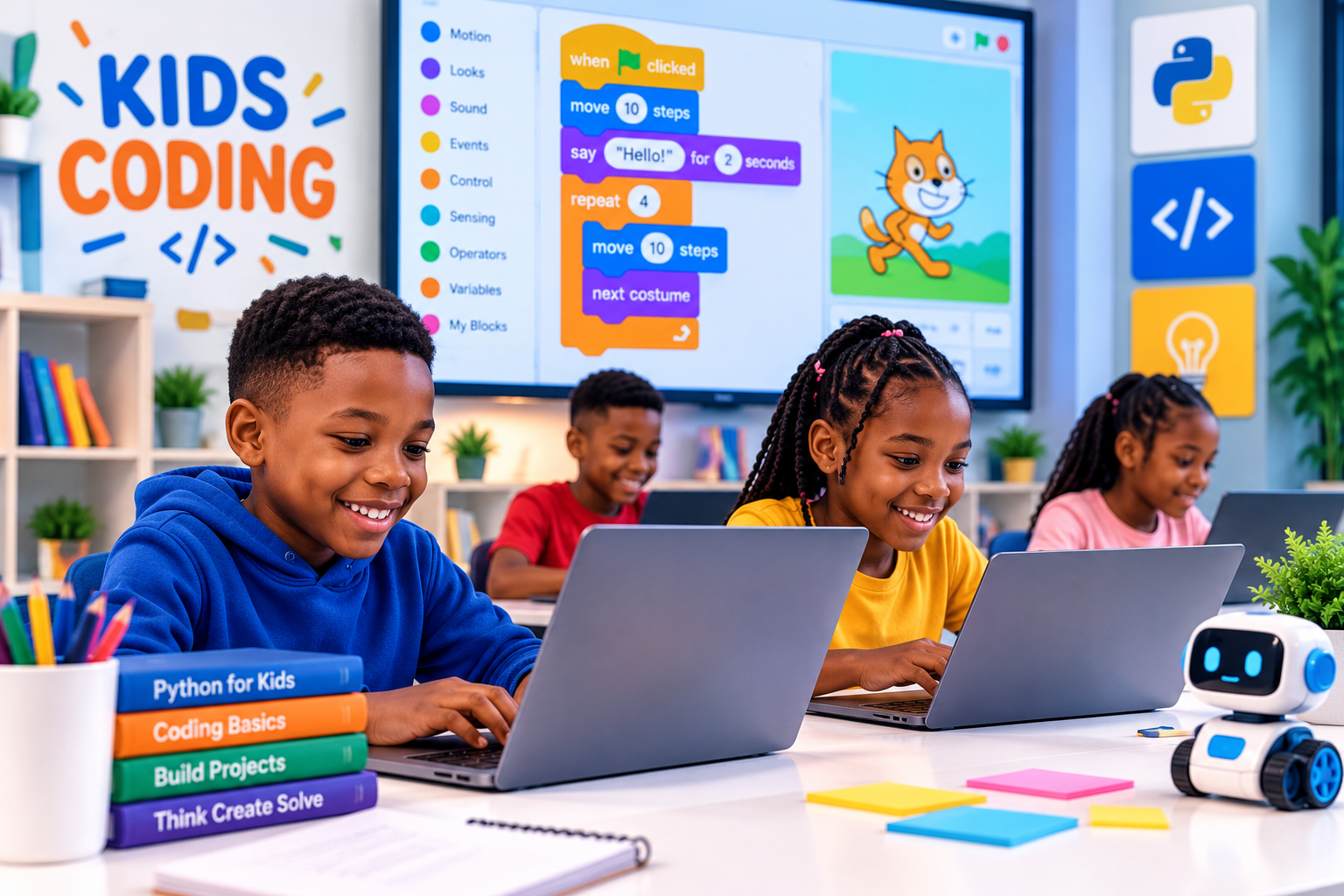
Games + Animation + Coding
Help kids learn creativity, logic, and problem-solving through fun digital projects.
2 Months
Fun practical classes, guided projects, creative tasks, and beginner-friendly mentorship.
₦80,000
Includes practical sessions, learning support, project guidance, and certificate.
Coding for Kids Training at Nepthink
This course is built for young learners who want to explore coding, games, animations, websites, creativity, and problem-solving in a safe and friendly learning environment.
Children & Teens
Perfect for young learners who want to start coding early and understand how technology works in a fun way.
Game Lovers
Great for kids who enjoy games and want to learn how simple game logic, characters, and actions are created.
Creative Kids
Designed for learners who enjoy drawing, storytelling, animation, design, and building creative digital projects.
Problem Solvers
For kids who love puzzles, challenges, and activities that help them think clearly and solve problems step by step.
Schools & Clubs
Useful for schools, tech clubs, and holiday programs that want children to learn practical digital skills.
Parents
Perfect for parents who want their children to build confidence, creativity, and a strong foundation in technology.
What Kids Will Gain from This Training
Coding helps children build creativity, logical thinking, patience, confidence, digital awareness, and problem-solving skills that can support their future learning.
Coding for Kids Course Modules
The course is arranged in simple and fun modules that help kids move from basic computer thinking to coding logic, animation, games, websites, and final projects.
Module 01 Introduction to Coding for Kids
This module introduces children to coding in a simple and friendly way.
- What coding means
- How computers follow instructions
- Examples of coding in games, apps, and websites
- Why kids should learn coding early
- Creative thinking and problem-solving
- Class rules and safe learning habits
Module 02 Computer Basics and Digital Confidence
Learners will understand basic computer use before moving fully into coding activities.
- Parts of a computer
- Using the mouse and keyboard
- Opening and closing programs
- Creating and saving files
- Basic typing practice
- Using computers responsibly
Module 03 Logic and Problem Solving
This module helps kids learn how to think step by step before writing code.
- Understanding instructions
- Step-by-step thinking
- Solving simple puzzles
- Patterns and sequences
- Cause and effect
- Breaking big problems into smaller steps
Module 04 Block-Based Coding
Kids will learn coding using colorful blocks that make programming easier to understand.
- Introduction to block coding
- Dragging and arranging code blocks
- Events and actions
- Movement and direction
- Loops and repeat actions
- Creating simple interactive activities
Module 05 Animation and Interactive Stories
This module helps kids create animated scenes and simple interactive stories.
- Creating characters and backgrounds
- Moving characters on screen
- Adding sounds and speech bubbles
- Building simple story scenes
- Using timing and sequence
- Presenting animated stories
Module 06 Game Design Basics
Learners will understand how simple games are planned and created.
- What makes a game fun
- Characters, goals, rules, and scores
- Player controls
- Game levels and challenges
- Winning and losing conditions
- Planning a simple game idea
Module 07 Building Simple Games
This module focuses on building simple playable games with guided support.
- Creating a movement game
- Creating a catching game
- Adding score counters
- Using collision logic
- Adding difficulty and levels
- Testing and improving games
Module 08 Introduction to Web Design for Kids
Kids will be introduced to how websites are created using simple web design ideas.
- What a website is
- Website sections and pages
- Basic HTML awareness
- Text, images, buttons, and links
- Simple page layout
- Creating a small personal webpage
Module 09 Beginner Python Awareness
This module introduces older kids to simple text-based coding ideas.
- What Python is used for
- Writing simple instructions
- Printing text
- Variables explained simply
- Simple calculations
- Fun beginner Python practice
Module 10 Digital Safety for Kids
Kids will learn how to use the internet and digital tools responsibly.
- Safe internet habits
- Keeping personal information private
- Understanding passwords
- Recognizing suspicious links
- Respectful online behavior
- Asking adults for help when unsure
Module 11 Creative Tech Projects
This module allows kids to combine creativity and coding into small projects.
- Mini animation project
- Simple game project
- Interactive story project
- Digital poster or webpage project
- Team project practice
- Improving projects with feedback
Module 12 Final Project and Presentation
At the end of the training, learners will complete and present a final coding project.
- Choosing a final project idea
- Building the project step by step
- Testing and fixing errors
- Adding creativity and design
- Presenting the project
- Certificate and learning guidance
Give your child an early start in technology.
Let your child learn coding, creativity, problem-solving, animation, games, and digital confidence in a fun and practical environment.